 DUTIF
Workout guide
Build a routine, log your sets, and review your progress.
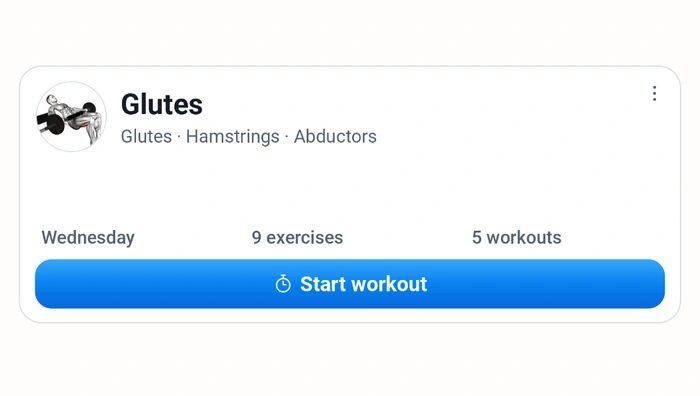
Plan your routine
In Train, tap “New routine.” Choose your exercises and set up your sets. Organize routines in folders by day or workout type.
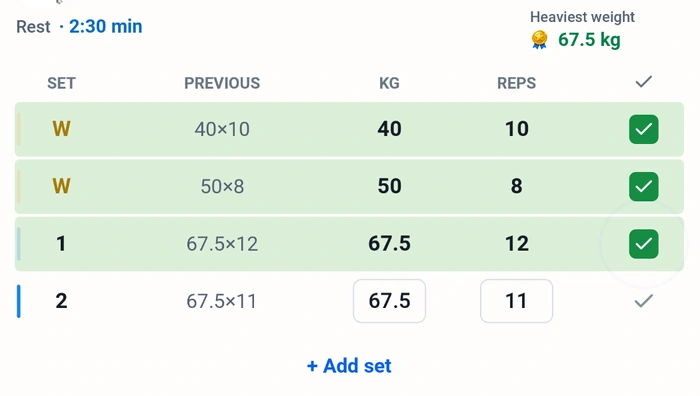
Log each set
Open a routine and tap “Start workout.” Each row shows your previous set. Enter the weight and reps, then check off the set when you finish.
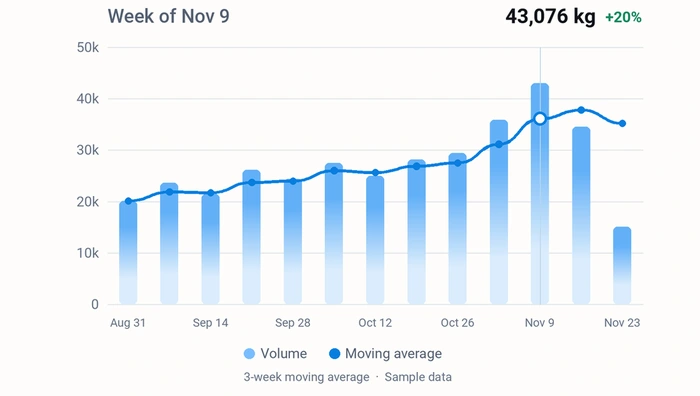
Track your progress
In Progress, choose a time range and switch between volume, time, and reps. Open any session under “My workouts” to review its details.